
Geometry Arrow 3D
Recommend For You











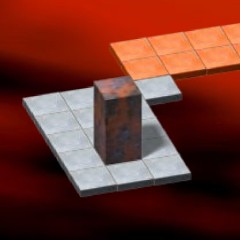











Guide the Arrow to the Finish Line
Geometry Arrow 3D is an exciting arcade game inspired by Geometry Dash, where your goal is to guide a flying arrow to the destination and complete each map. Every map is carefully designed with distinct obstacle placements, resulting in unique and challenging gameplay experiences.

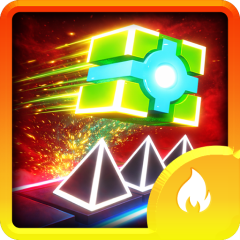
The colorful logo in Geometry Arrow 3D
To succeed in Geometry Arrow 3D, you must skillfully control the arrow as it flies through zigzag paths filled with sharp spikes and dangerous traps. Each time your geometric arrow passes through the portal at the end of the path, you complete the level and unlock the next challenge.
Tips and Tricks to Play Geometry Arrow 3D
Play Practice Mode First
If you are not an experienced player, it is highly recommended to start with practice mode. This mode includes checkpoints that allow you to continue from your last collision point instead of restarting the entire level.
Playing practice mode in Geometry Arrow 3D helps you memorize the map layout, understand obstacle patterns, and improve your reaction time before attempting the full level.
Fly Up and Down Smoothly
Since most maps in Geometry Arrow 3D are built with zigzag paths, you need to combine upward and downward movements carefully. Clicking at the right moment to make the arrow rise, then releasing to descend, is the key to avoiding spikes and tight spaces.
Play in Full Screen Mode
Playing Geometry Arrow 3D in full-screen mode gives you a better view of upcoming obstacles. With a wider field of vision, you can react faster and plan your movements more effectively, increasing your chances of completing difficult levels. You may love some other 3D games called Geometry Dash Lite 3D.